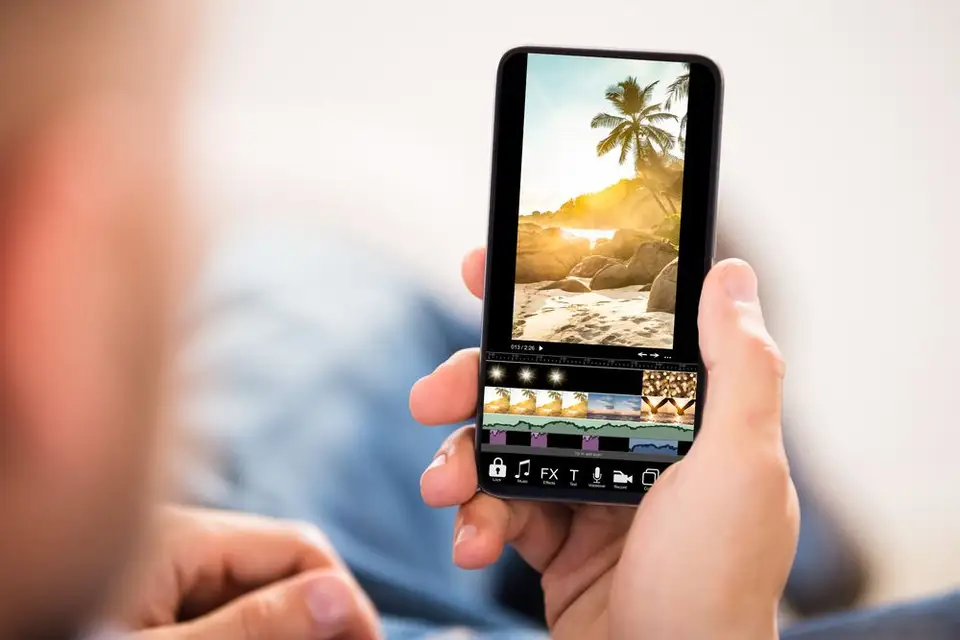
Digital photography plays an important role in the routine of many of us. Whether you're keeping family memories, capturing stunning landscapes on vacation, or expressing your creativity on social media, editing images directly on your phone offers new possibilities to enjoy one of the most beautiful arts – photography.
With the help of modern applications, you can quickly adjust colors, correct imperfections and add visual effects, without needing advanced knowledge or complicated equipment. In this article you will find a list of five top photo editing apps for mobile.
We analyzed their main advantages, accessibility, special functions and we have examples of concrete use for you. Whether you are just starting out or already have experience in editing, you will discover options that help you improve your photos quickly and efficiently.
How do you choose the right photo editing app?
To make the right choice for you, consider:
The interface of the application (ease of use)
The type and complexity of the tools (for example: adjusting brightness, local corrections, automatic cropping)
Support for various formats, such as JPEG and RAW
Costs and functions available for free or with a subscription
Integration with social networks for quick sharing of photos
Privacy policy and permissions required
Think about how you want to share the images – some apps offer fast export, direct saving to the cloud or automatic sharing on Instagram or Facebook.
Top 5 photo editing apps for mobile
Users appreciate Photoshop Express for its intuitive editing mode, suitable even for beginners. For example, you can instantly correct the color of an image or remove red-eye with a single tap. For better organization, create dedicated folders with your best photos and access them directly from the app.
If you use a phone with advanced photo processing, such as iPhone 16, you will notice that edits maintain a high level of detail and clarity.
Some features require a subscription, but the free version remains attractive for most basic tasks.
2. Face App – transform any selfie quickly